
1. Sign In to SG Hub

SG HUB · LESSON 1
Sign in to SG Hub
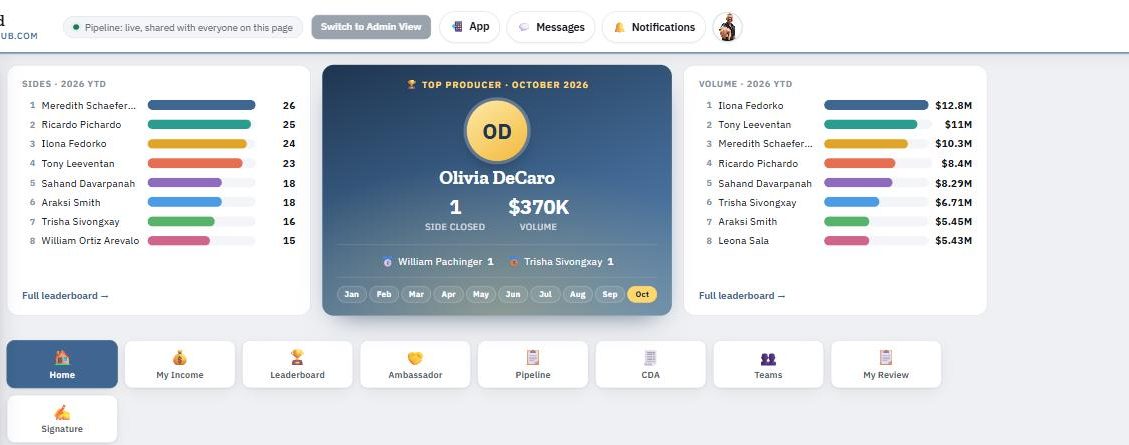
SG Hub at sg-hub.com is where Scofield Group runs transactions, CDAs, income and caps — your numbers, your pipeline and your team tools in one place.
How to sign in
- Go to sg-hub.com.
- Sign in with your @scofieldgroup.com Google account.
- Your session lasts 7 days. After that, sign in again the same way.
Put it on your phone
SG Hub can be installed on your phone like an app. Tap the App button at the top of SG Hub and follow the prompt. On an iPhone: tap the Share icon in Safari, then Add to Home Screen.
You only see your own numbers
When you sign in, SG Hub shows your own income and deals. Other agents never see yours, and you never see theirs.