
5. Pipeline — Add Your Escrows and Listings

SG HUB · LESSON 5
Pipeline
Every deal that is not closed yet lives here. You add your own with + Add.
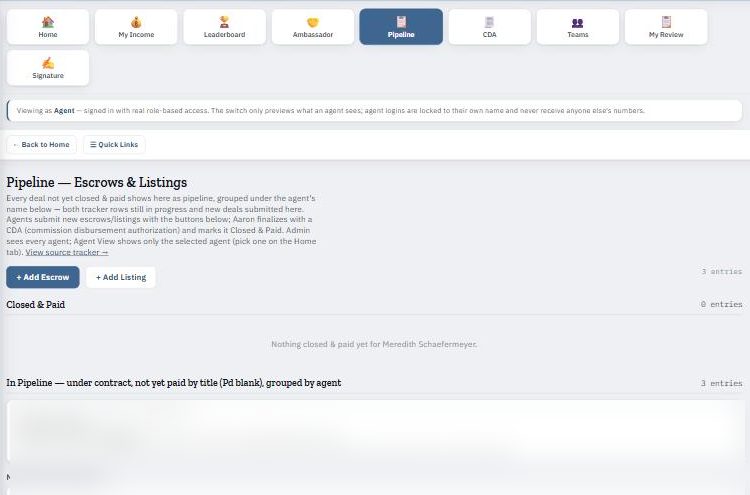
Add your deals
- Open Pipeline from the Home tiles.
- Click + Add Escrow or + Add Listing.
- Fill in the form and submit.
- When the deal closes, it is finalized on your CDA and moves to your income.
Same day
Add every new escrow and listing the day it happens so your pipeline and Home numbers stay right.