
10. Message Center and Notifications

SG HUB · LESSON 10
Message Center and the Notifications bell
The team feed, private messages, and alerts for what needs you.
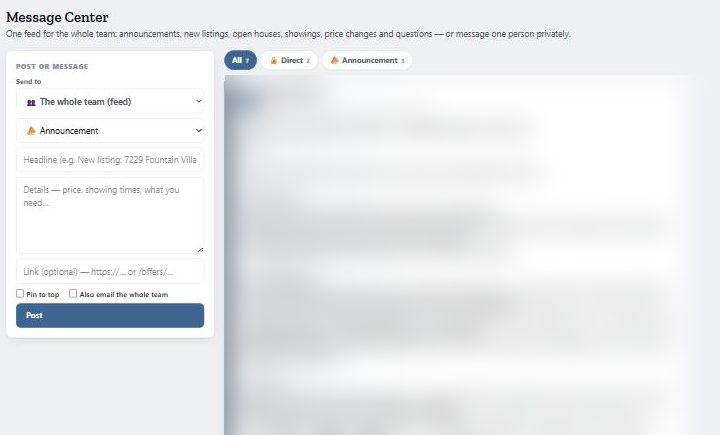
The team feed
One feed for the whole team: new listings, open houses, showings, price changes and questions.
- Open Messages at the top of SG Hub.
- Leave Send to on the whole team, add a headline and details, and click Post.
Private messages
- In Send to, pick the person’s name.
- Write your message and post it. Only that person sees it.
- Replies are emailed.

The Notifications bell
The bell shows deadlines, new offers and messages. Check it every day.